 ReadBoard
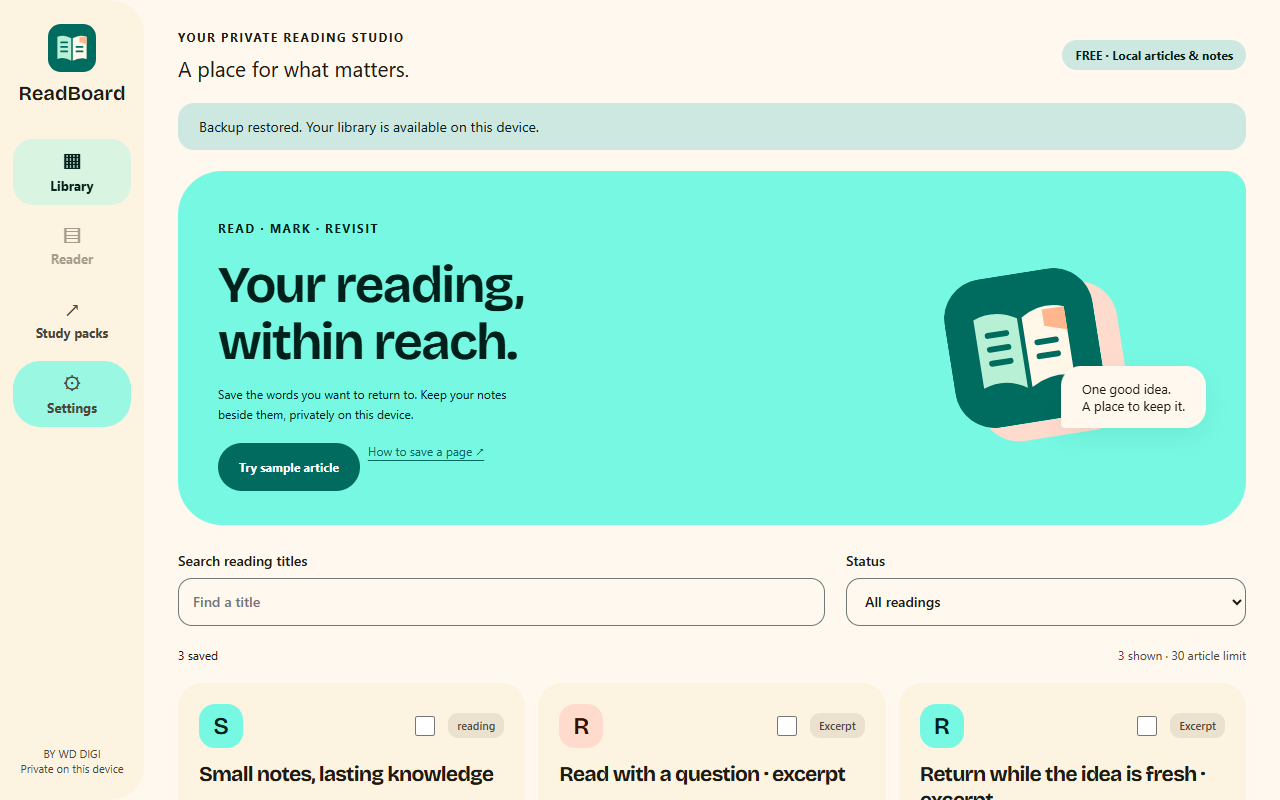
Save reading for later
Keep up to 30 articles in Free, then return to your saved reading position in the offline reader. Save an article before relying on access without a connection.
Keep highlights beside your notes
Mark useful passages and write your own notes while reading. Free includes title search, text and Markdown export, and JSON backup.
Build a study pack
Pro expands the library to 500 articles and adds search across content, highlights and notes. Organize up to 50 collections and 100 study packs, each with up to ten sources.
Included in Free
30 articles, offline reader, highlights, notes, reading position, title search, text/Markdown export and JSON backup.
Optional Pro
500 articles, content/highlight/note search, 50 collections and 100 study packs with up to ten sources each; HTML and print pack export.
Prepare for a discussion
Save the articles for one topic, highlight the passages you want to discuss and add a question to each note. Pro study packs can bring up to ten sources into an HTML or print export.
Before you begin
Article extraction depends on the source page. Protected or dynamic pages may not save completely. Review the saved version and respect the publisher’s access and copyright terms.